Each marketplace's rules, built in
Amazon counts search terms in bytes. eBay stops at 80 characters. Etsy allows 13 tags of 20. A checker flags anything a marketplace would cut, refuse or suppress — before you paste it.
Tell the Captain what you’re selling. It writes the whole listing — title, bullets, description, tags and keywords — in the rules of the marketplace you sell on, and lays it out the way shoppers will see it.
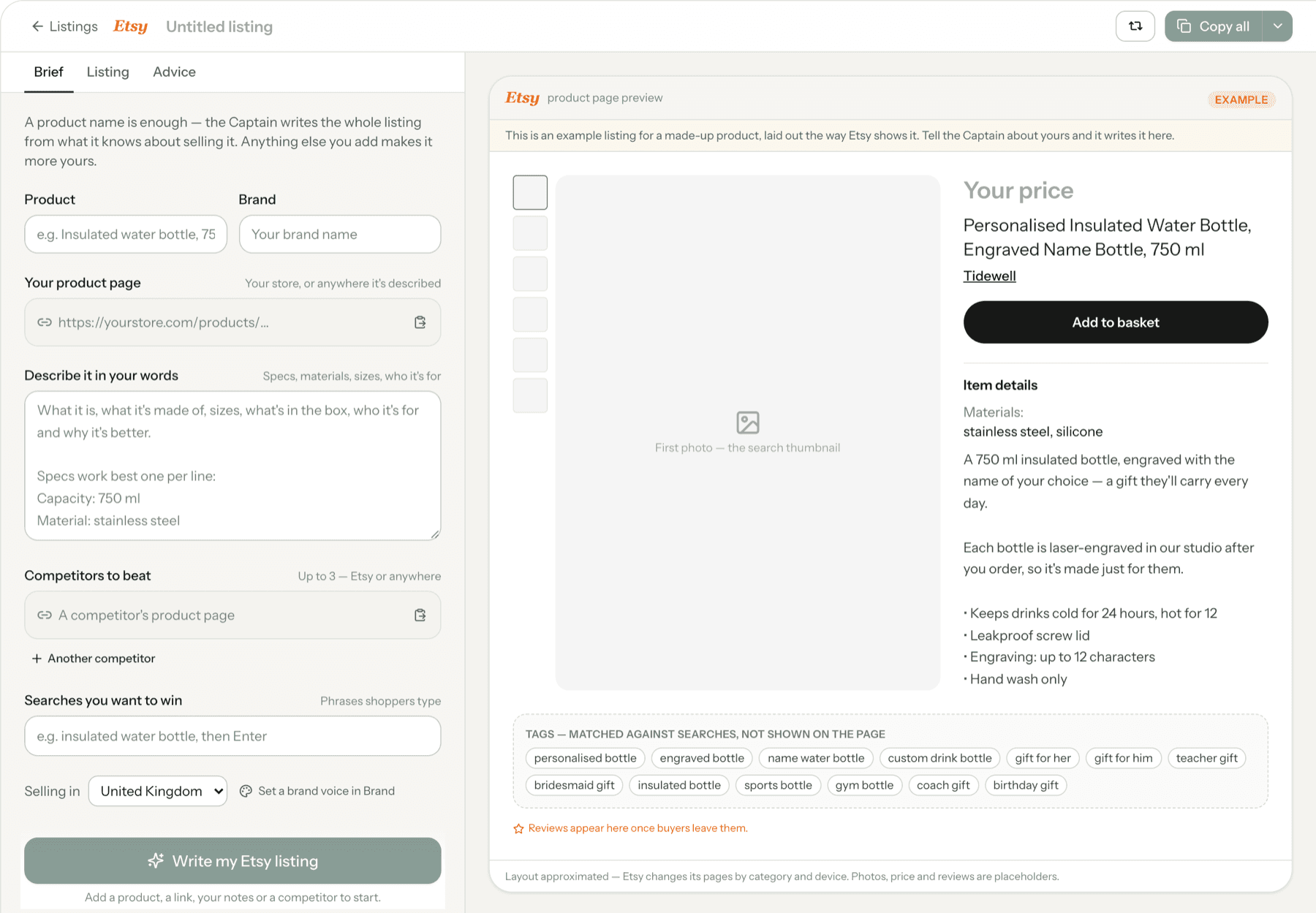
A product name is enough. Add your product page, a few lines in your own words, or the competitors you want to beat, and it gets closer still.
Every field streams into a preview laid out like the marketplace's own product page — so you see what a shopper sees, and what they never see.
Each field copies in the shape its box takes and says exactly where it goes. Shopify and Google Merchant Center get a real import file.
It knows how each marketplace’s search reads a listing and what the best listings in a category do, so you don’t have to.
Amazon counts search terms in bytes. eBay stops at 80 characters. Etsy allows 13 tags of 20. A checker flags anything a marketplace would cut, refuse or suppress — before you paste it.
It fills in what any buyer would expect of the product, and lists every detail it assumed so you can check it. It won't make up certifications, reviews, guarantees or health claims.
Give it a rival's listing and it learns what shoppers in your category care about, then covers what they leave unsaid — without copying a word.
Set your tone once in Brand, and every listing is written in it — within each marketplace's rules.
Click any line in the preview to edit it, or ask for it shorter, punchier or more searchable. Every rewrite can be undone.
It shows which of your target searches made it into the title and which only into the body — so “optimised” is something you can see, not take on trust.
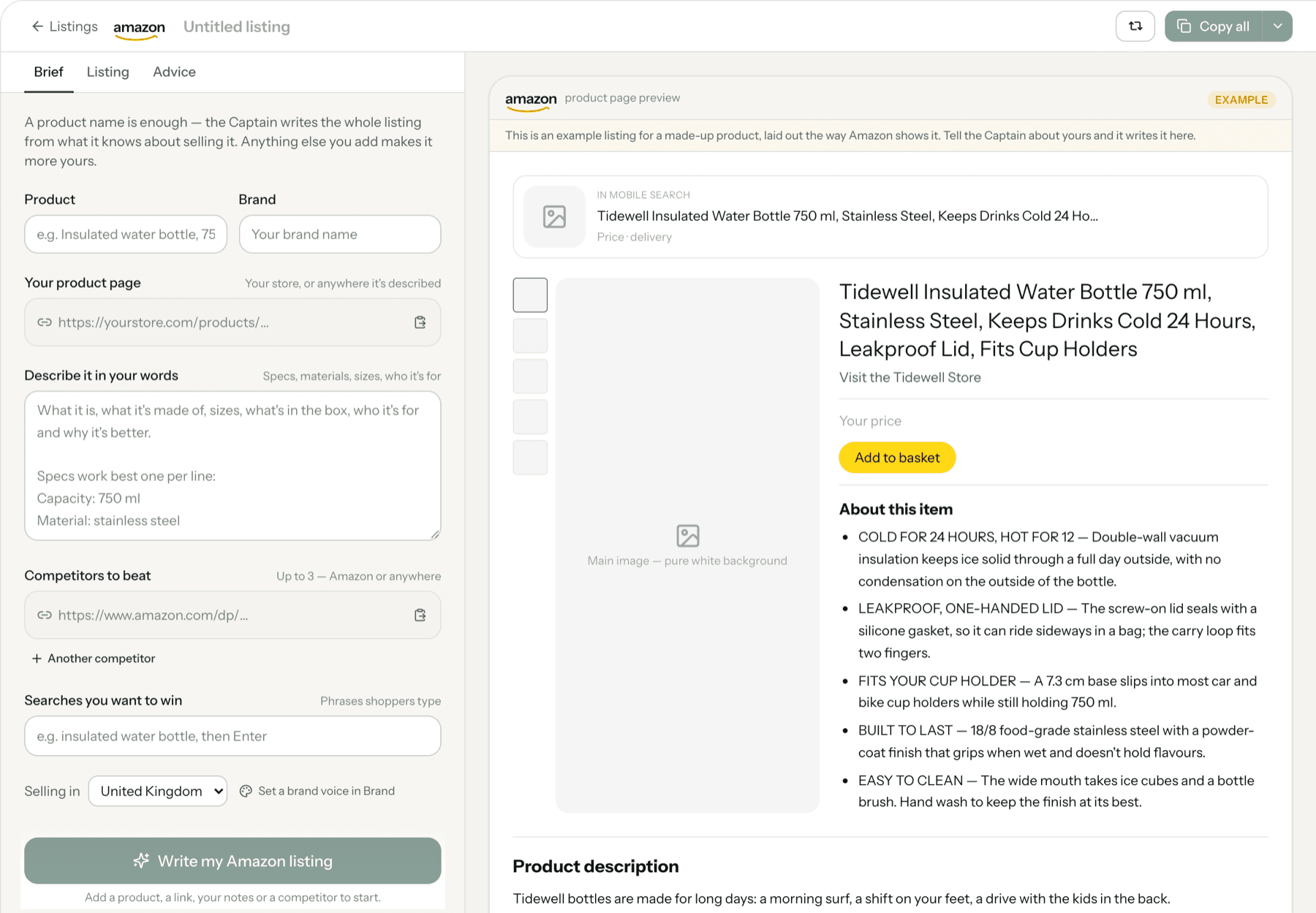
Amazon, Shopify, eBay, Etsy and Google Shopping. Each has its own fields, limits and rules, and the preview is laid out the way that marketplace shows a product.
A product name is enough to get a complete listing. Your own product page, a few lines about what makes it different, the searches you want to win and a competitor or two all make it more specific to you.
No — nothing is published by Dash Captain. You copy each field across (it tells you where each one goes), or import the Shopify CSV or the Merchant Center feed yourself, so you stay in control of what goes live.
It uses details that are standard for the kind of product you sell, and lists every one it assumed so you can check them. It never invents certifications, awards, review counts, guarantees, health or environmental claims.